
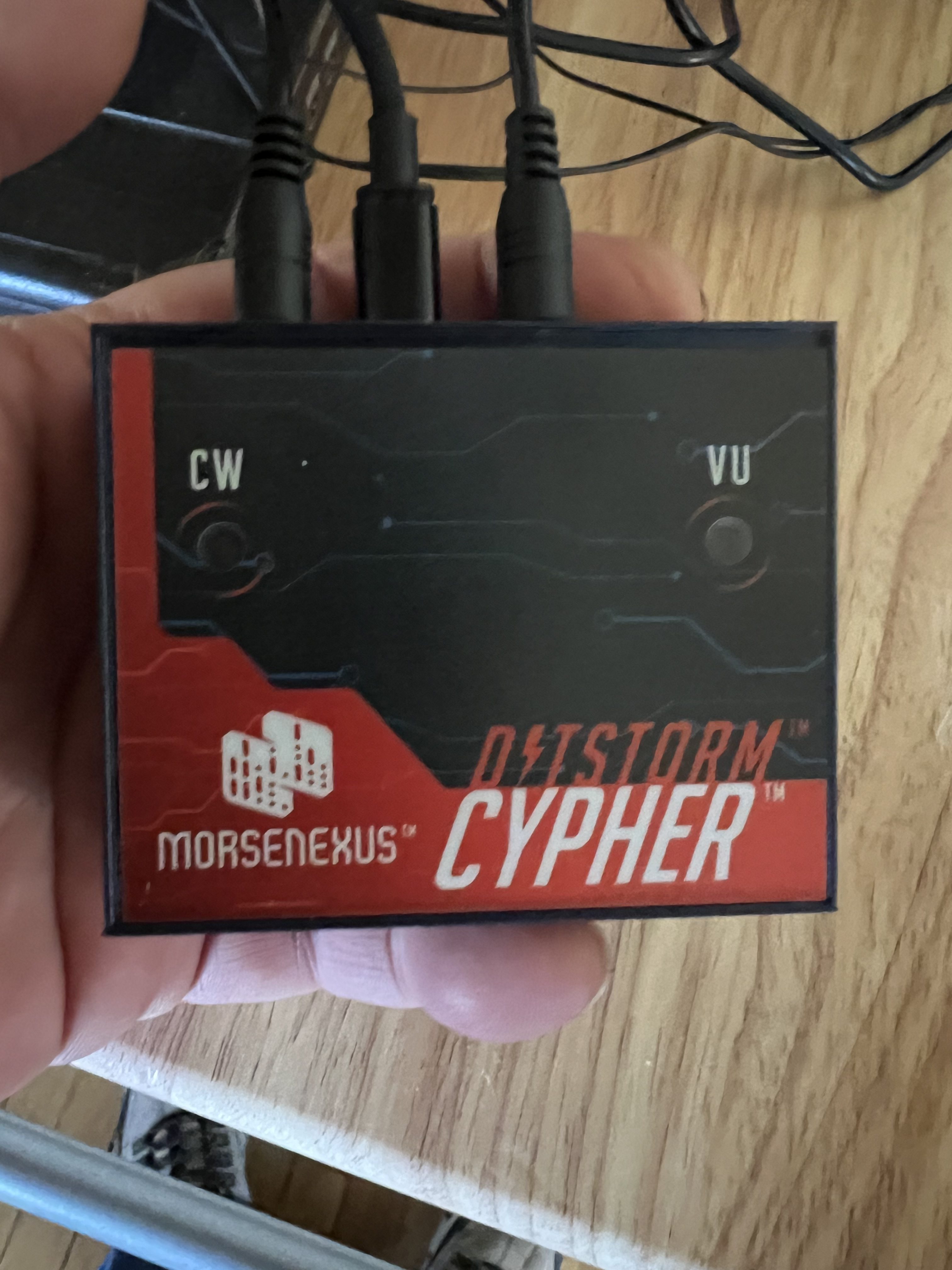
The Nomad I reviewed last time isn’t the only gadget I picked up from MorseNexus. And it isn’t really the one I was the most interested in. What I really wanted to get my hands on was that little box up there, the Ditstorm Cypher. It is a CW (morse code) decoder. I have hearing issues. Between severe tinnitus and damage to auditory nerves it’s damn near impossible for me to “hear” morse code so if I want to play with CW I need to use a decoder.
Unfortunately most CW decoders are, frankly, junk. I’m sorry but they just are. For a lot of reasons I won’t bore you with, trying to decode CW sent by human beings is extremely difficult to do. But recently there have been a few that have managed to do a reasonable job of it, and, spoiler alert, the little Cipher up there is the best of the ones that I’ve tried.
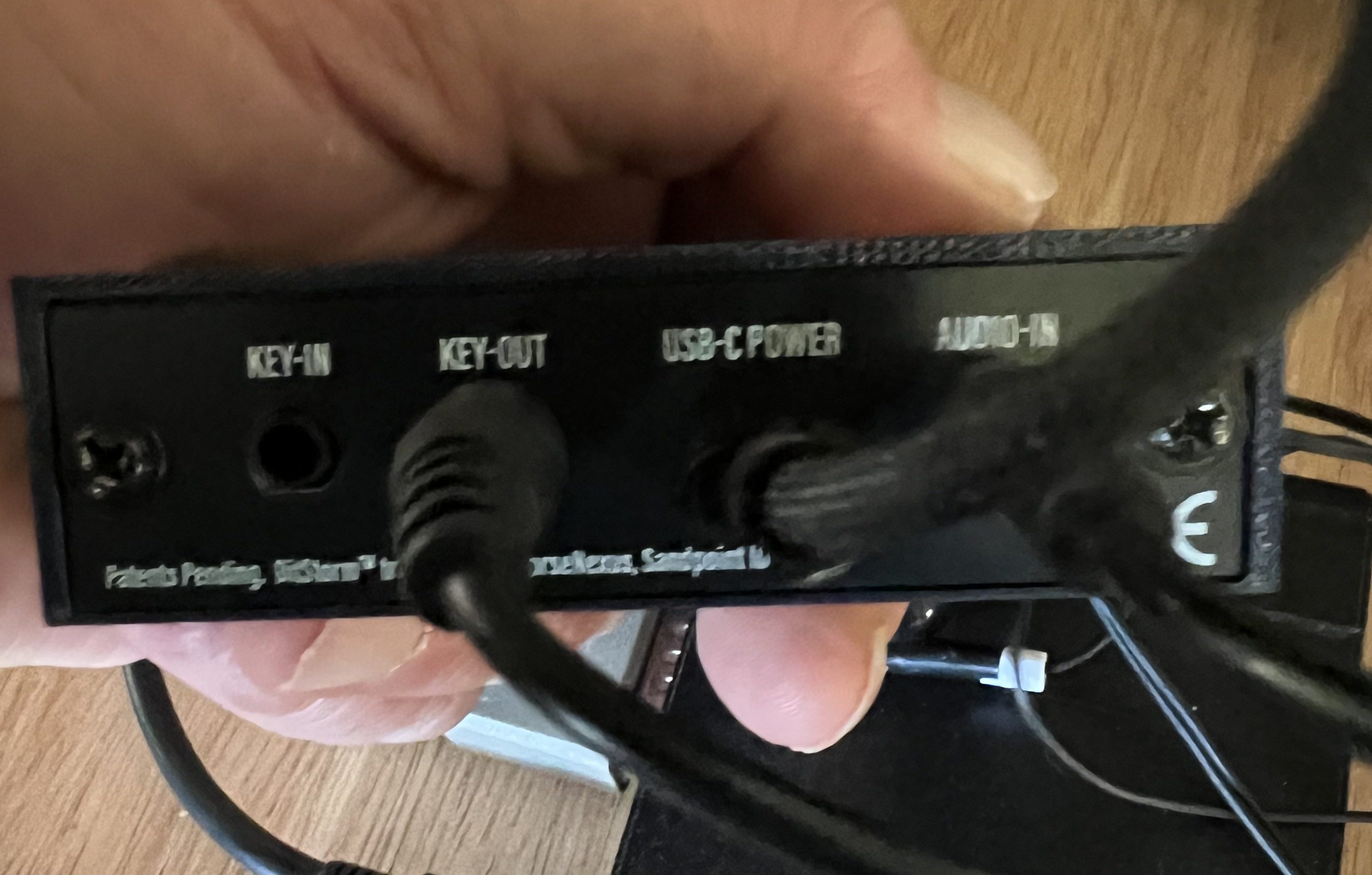
It’s a simple little box, a bit smaller than a deck of cards. There are 2 LED indicators on the top. On the back there are 4 ports. There are 3.5mm jacks for audio in, which connects to the headphone jack of your radio, Key out which goes to the port on the radio where you’d plug in a morse code key, and Key in where you can connect a manual key if you like. The USB-C port is only to supply power to the unit.
It is both very easy and a bit complex to run at the same time, to be honest. Starting it up is dirt simple. Just plug the Audio In port to the headphone jack or speaker jack of your transceiver. If you want to use it to send what you type in CW, connect the Key Out line to the port on your radio that you’d plug your morse code key into. Then just connect it to a USB power supply and turn your transceiver on.
When it starts up the Cypher starts up its own WiFi service called Cypher. Switch your computer from your home WiFi to the Cypher and enter the password given in the owner’s manual to connect to it. Then open your web browser and enter cypher.local as the website you want to go to and what pops up is this:
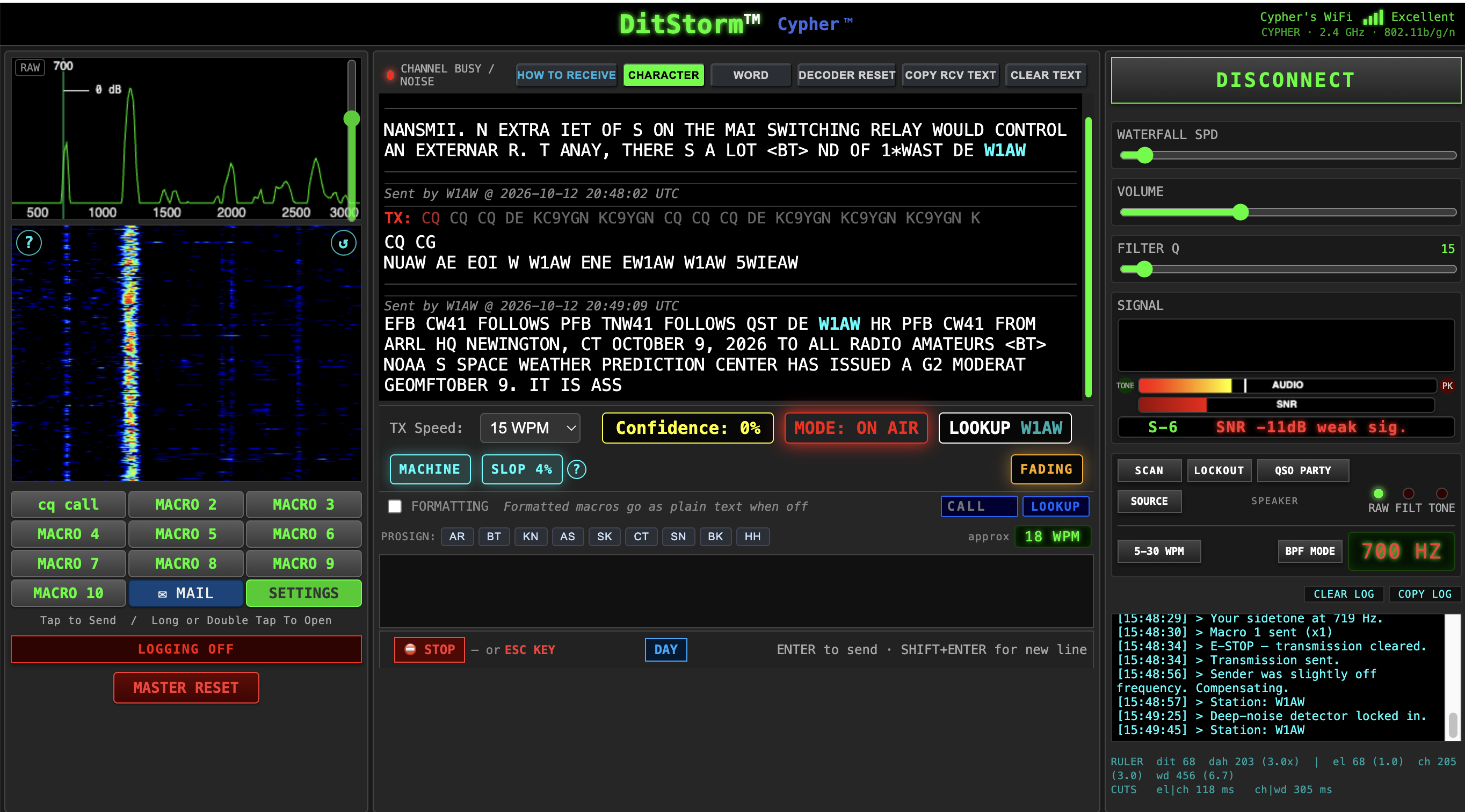
What we have here isn’t just a dumb decoder, it is a pretty sophisticated piece of software that can be tweaked and tuned and tinkered with to get the best result possible.
And does it actually work? Why yes, it does. Here, take a look:
Here it’s decoding one of the ARRL’s CW transmissions and doing a pretty good job of it. Decoding the ARRL isn’t really difficult to do but what was impressive was that it did almost as good at decoding human sent CW and in worse conditions than this. Once in a while it was getting a more or less solid decode from signals that were buried in the background noise that I could hardly hear them at all. So this thing actually works.
Is it 100% accurate? Hell no. It’s subject to issues like noise and fading and propagation conditions and all of that. It can take it a while to “lock in” when it begins decoding. It wants to “hear” at least 30 seconds of code for a while before it sort of locks on and begins working. So it’s pretty much useless for things like contests with quick fire exchanges. But once it locks in it works better than any other decoder I’ve ever tried.
And it is still under active development, improving both the decoder and the user interface. A new firmware revision came out right before I wrote this that improved both the user interface and the decoder.
And because apparently all of the processing is done in the box itself and all we’re dealing with is a web based interface, it is computer independent. It will work with just about any device or operating system that has a web browser. I used it with Chrome and Safari both my Macbook. It worked equally well on my iPad Air.
I’ve had it connected to 3 different transceivers, my Kenwood TS-990, a Yaesu FT-450D and my FT-818 and it’s worked well with each of them.
So if you have hearing issues like I do or just want to mess around with CW you might want to look at this. Current cost is around $189, which isn’t cheap but all things considered it’s not expensive either.


Since I am a techno idiot….I will pass this on to my daughter who is great at this stuff…..BTW how’s your grumpy phase? chuq
LikeLike
All my equipment is working well. I’m 3D printing a lot of parts for my fume extraction system so I can run more than one piece of equipment at a time and that’s been going well. The cat hasn’t thrown up on the carpeting in almost a week now so we got that figured out. Turns out she’s sensitive to plastic so as soon as we replaced the food dishes with ceramic or stainless steel her. My friend Dan is back from Spain where he lives about 6 months of the year and we spent the afternoon here at the house. I’m in the rather embarrassing position of being rather un-grouchy for a change LOL
LikeLiked by 1 person
The screenshot of the website and the stuff on the video looks like something from NASA to me. Not only do I have no clue about Morse Code, my techno-fear would send me running a mile from your little decoder box. But I stil find it all interesting, despite that, and I am really pleased that it works for you and is the best you have found so far.
Best wishes, Pete.
LikeLike
Morse code is actually very old. It’s been around since about the 1850s. That it’s still around at all is a bit odd, really. Things like radio teletype, packet radio, and digital modes long ago surpassed CW as viable communications methods. It’s basically just switching a radio carrier on and off for varying lengths of time to generate dots and dashes. But for someone like me, with my hearing issues, I never would have been able to get my amateur radio license at all if the FCC hadn’t dropped the CW requirement.
LikeLiked by 1 person