
Note: You can reach me either by leaving comments here or by emailing me at theoldgrouch@grouchyfarmer.com
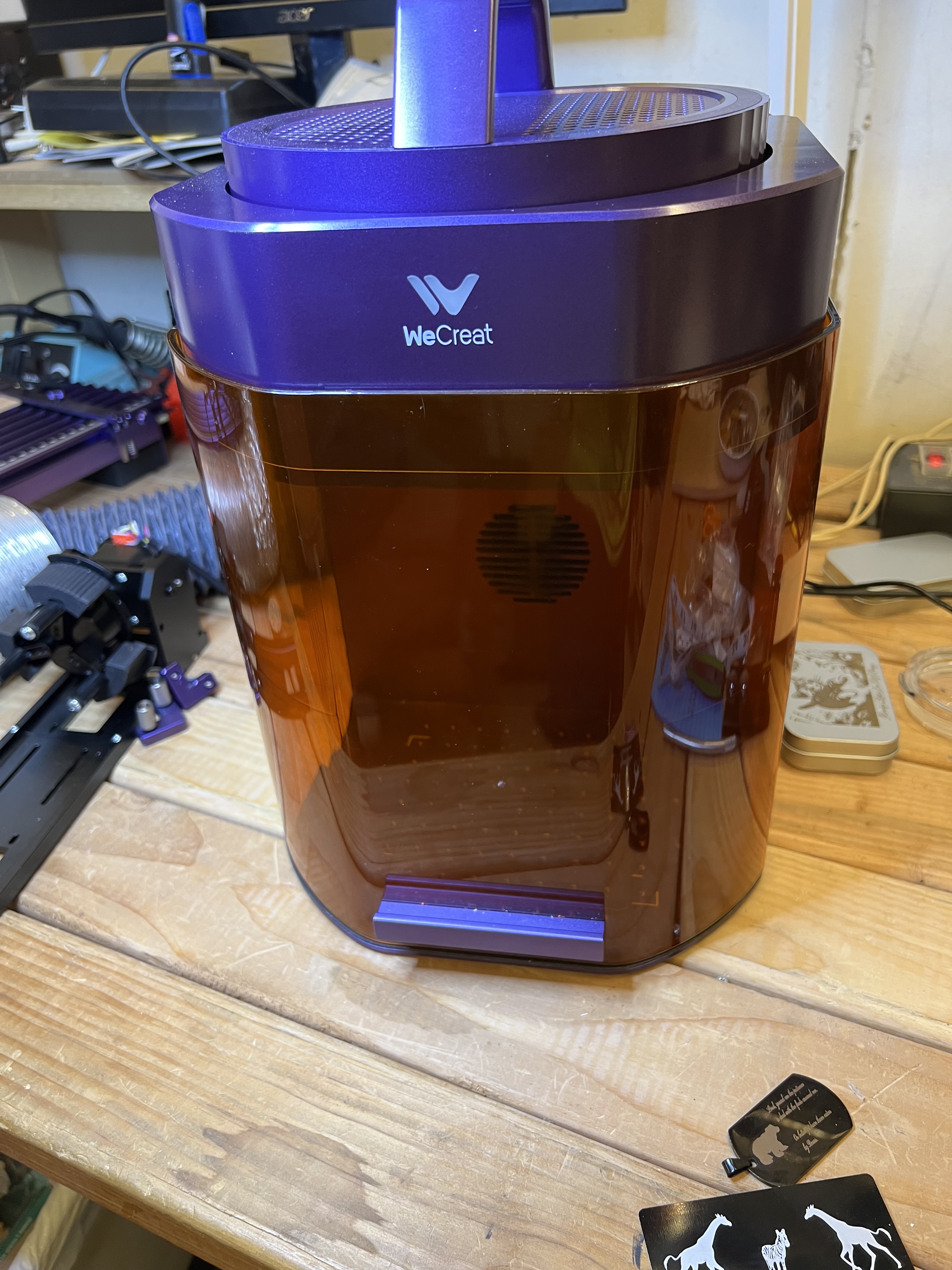
I’m not sure where the time has gone but it’s been almost three months since I acquired the Lumos that I reviewed last time so I thought it would be a good idea to talk about what it’s like to use it long term. Since I got it I’ve used it to engrave around 200 metal challenge coins, literally hundreds of drinks coasters, made Christmas ornaments, LED lighted acrylic plastic signs, and dozens and dozens of decorative engravings on various objects or parts cut out with my woodworking tools or the Falcon laser. I’ve used it a lot. That should give you an indication of how useful this little laser has been.
The Falcon still gets used a lot but for what I suppose you could call “heavy duty” jobs like cutting out parts or for doing engravings that are just too big for the Lumos. Because of the Lumos’ speed and higher resolution, it’s the one I turn to for doing anything that requires high resolution artwork or intricate engravings.
But I absolutely, positively do not want to try using it for cutting out parts even if the job would fit inside of the Lumos’ working area. Because it’s a galvo laser it lacks air assist, and that means much more charring and even fires starting when trying to cut flammable materials. But for everything else? If it will fit in the laser’s 120mm X 120mm working space, that’s the one I’ll turn to.
Does the Lumos have quirks and “issues”, as they say? Sure it does. There’s no such thing as a perfect machine. With the Lumos these are more irritations than deal breakers, though.
Even the software that comes with it is decent. The “Makeit” software that comes with the unit is how most people are going to use this laser and it is actually pretty good, especially if you register the Lumos and get the 6 month free “membership” that gives you access to the software’s built in AI functions. That opens up a whole new level of creativity and usefulness because once that’s activated you can use their AI to actually generate copyright free images in any style you like, from photographic quality to simple line drawings, that you are free to use any way you like.

That engraving on the side of that box over there on the left was generated with Wecreat’s AI. The prompt I wrote was something like “a black and white line drawing of a cute kitten chasing butterflies through a field of wild flowers” and that’s one of the images it came up with.
You don’t need to subscribe to use the laser or the Makeit software, only if you wish to continue to use the AI functions after the introductory period expires. If you’re doing this commercially and want to turn out a lot of different products for sale it might well be worthwhile, though.
But the Lumos’ software is at the same time the most irritating thing about the whole package, and the main problem with it is that it will only save projects in Wecreat’s proprietary file format. Any projects made in the Wecreat software cannot be exported for use elsewhere. So everything you make with the software is locked in to that hardware platform. At least with the current version of the software.
This isn’t a big deal for me because all of my artwork is made in Photoshop or Adobe Illustrator or some other tool and I only use the Lumos software mainly for the actual production run. But this is something you need to keep in mind if you’re considering buying one of these.
Lightburn
The other issue I have with the Lumos is that I have been completely unable to get it to work with what is probably the most popular laser engraving software currently in use by “professionals” out there, Lightburn.
Let me inject some caveats in here first. I do not currently own Lightburn and am working with the “free” 30 day trial version. I wasn’t about to drop $200 (I’d need the more expensive “Pro” version) on a piece of software that might not work with my equipment.
Wecreat doesn’t make getting the Lumos working with Lightburn easy. They claim that it will indeed work with it. But that doesn’t seem to be the case. Their gantry style lasers do, and Wecreat does provide guidance to get those working with the software. The Lumos? Nope. Nothing. Nowhere. There is a “.lbdev” file available for the Lumos buried deep in Wecreat’s website which was almost impossible to find. I am not going to direct you to it because as far as I can tell it just doesn’t work.
After many, many hours of fiddling around and extreme frustration, I finally got LB to at least “see” that the Lumos was connected. I even got it to connect to the camera. Somehow. Occasionally. Sometimes the camera shows up, sometimes it doesn’t.
I got it to actually “frame” an engraving in the build space. Good! Then I hit the start button to actually do the engraving and… And it will only work with the infrared laser, not the blue diode. And there seems to be no way to switch between the two. And even when using the IR laser the engraving process would stop with the progress bar in LB sitting at 99% and both the laser and the software apparently locked up and I had to restart both.
I’m giving up for the time being. I wasted way, way too much time on trying to get LB working with the Lumos. If I ever do get it going, I’ll let you know.
Materials
I got lots and lots of questions about what materials to use for projects. I don’t do this on a commercial basis. The only things I buy in bulk are drinks coasters for the brewpub, and generic 1/4 and 1/8 inch thick plywood to make misc. goodies.
I buy basswood plywood in bulk off Amazon. It’s far cheaper than buying it from places like Hobby Lobby or the crafts section at Walmart where you will pay a small fortune.
But before you start buying in bulk, buy a few sheets first if possible to test it because there can be huge differences between different brands. One brand will cut clean with very little char or other problems, while another will be utterly horrible. Take a look at this image below that compares then side by side.


Those are two different brands of 3mm basswood plywood I got off Amazon, and both sell for about the same price. They were cut out using the Falcon A1 using exactly the same settings. The one on the right is a nice, clean cut, almost no visible charring on the surface. The one on the left… Oh, dear. Even though it’s the same thickness and I used the same power and speed, it left jagged edges, didn’t cut things out cleanly and there was a huge amount of charring on the edges. And the smoke! You can see the smoke residue all over the surface of the one on the left while the one on the right is almost completely clean.
So always get test samples of any material you want to use in your laser before you start making bulk purchases or you can end up having a complete mess on your hands. I bought 60 sheets of one brand of 3mm basswood plywood where every single sheet warped so badly as soon as I took it out of the package that it was pretty much useless for anything except firewood.

I’m not going to urge you to go out and buy this brand. There are others that are just as good. But what I use currently is over there on the left in case you’re interested. I have no relationship with this company, don’t get any compensation or anything from them. I just think it’s good quality material at a decent price. A pack of 48 sheets of 12″ x 12″, 3mm (1/8″) is currently going for $56.99 on Amazon and it’s a quality product. Very smooth, well sanded surface, very uniform color and grain on the exterior veneer, nice, light color that engraves well and I’ve only very rarely had problems with it warping.
I go through a lot of this stuff. 3mm plywood is the basis for a lot of the projects I crank out and gets used for everything from making little trinkets to some very elaborate art projects, model buildings, etc.
And that’s about it for now. I was hoping to include something about a new cheap CNC machine I picked up but the last few weeks have been so busy I haven’t had an opportunity to really play with it very much. Hopefully in the next couple of weeks I’ll have time to get into that and talk about the joys and frustrations of CNC.

 grouchyfarmer
Very cool stuff! Wish I had the patience for it, and the time.
LikeLike
It can be both a lot of fun and a bit frustrating. And yeah, it takes quite a bit of time to learn how handle the equipment and learn the techniques involved. I’ve burned through a lot of material that ended upin the fire pit in the backyard before anyone could see how bad it was!
LikeLike
Some very cool stuff…..I wish my brain could slow down to do things like this…..keep up the cool stuff. chuq
LikeLike